

AI generates code faster than humans can read it. When the machine outpaces the reviewer, the team stops understanding the software it is building. We need to keep humans in control, without removing the benefits of modern coding agents.
Jake Levirne has answers. As founder of SpecStory, he’s built the most impressive AI coded software I’ve seen, and shared the workflows that make it legible and trustworthy.
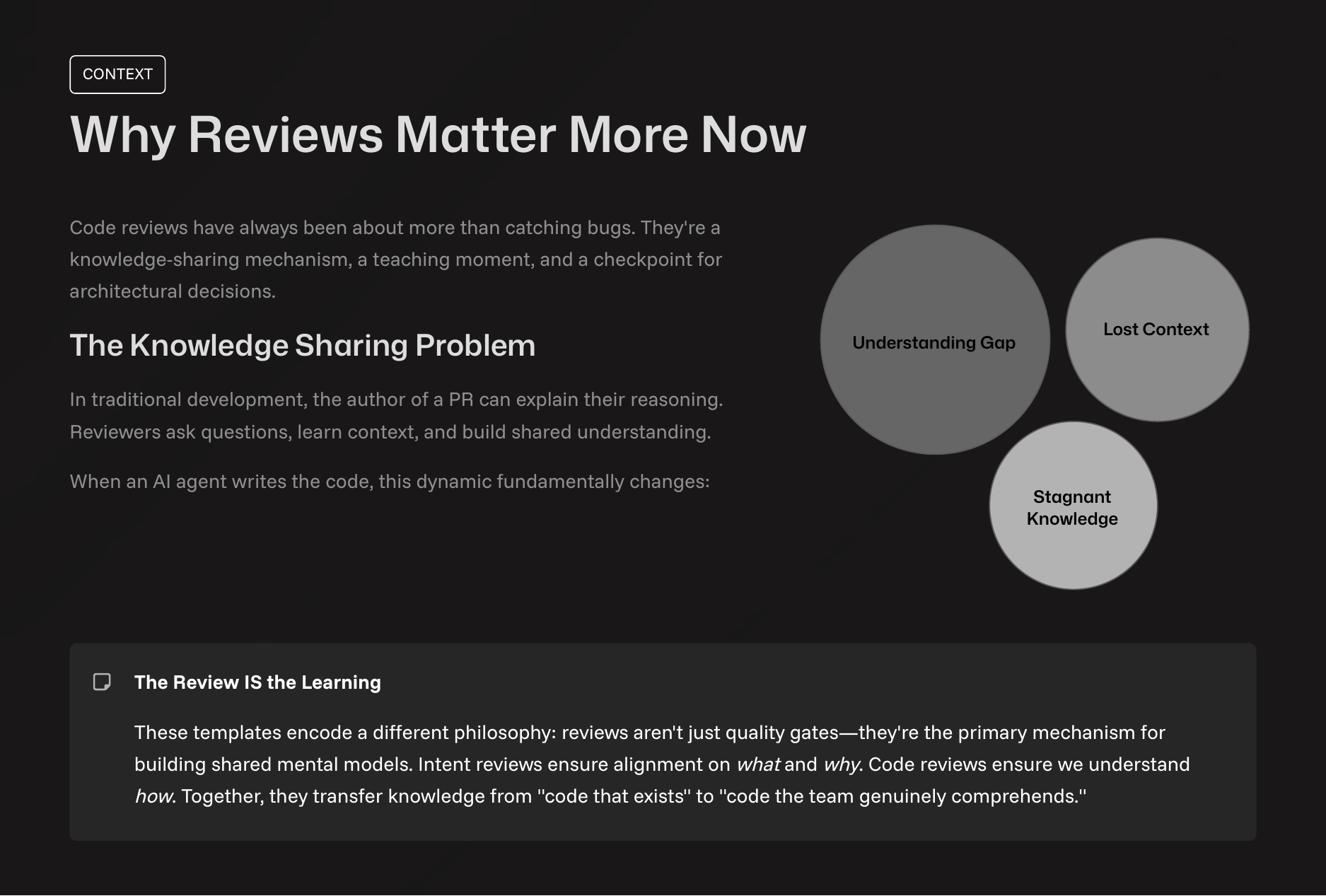
The Two Sides of Software Review
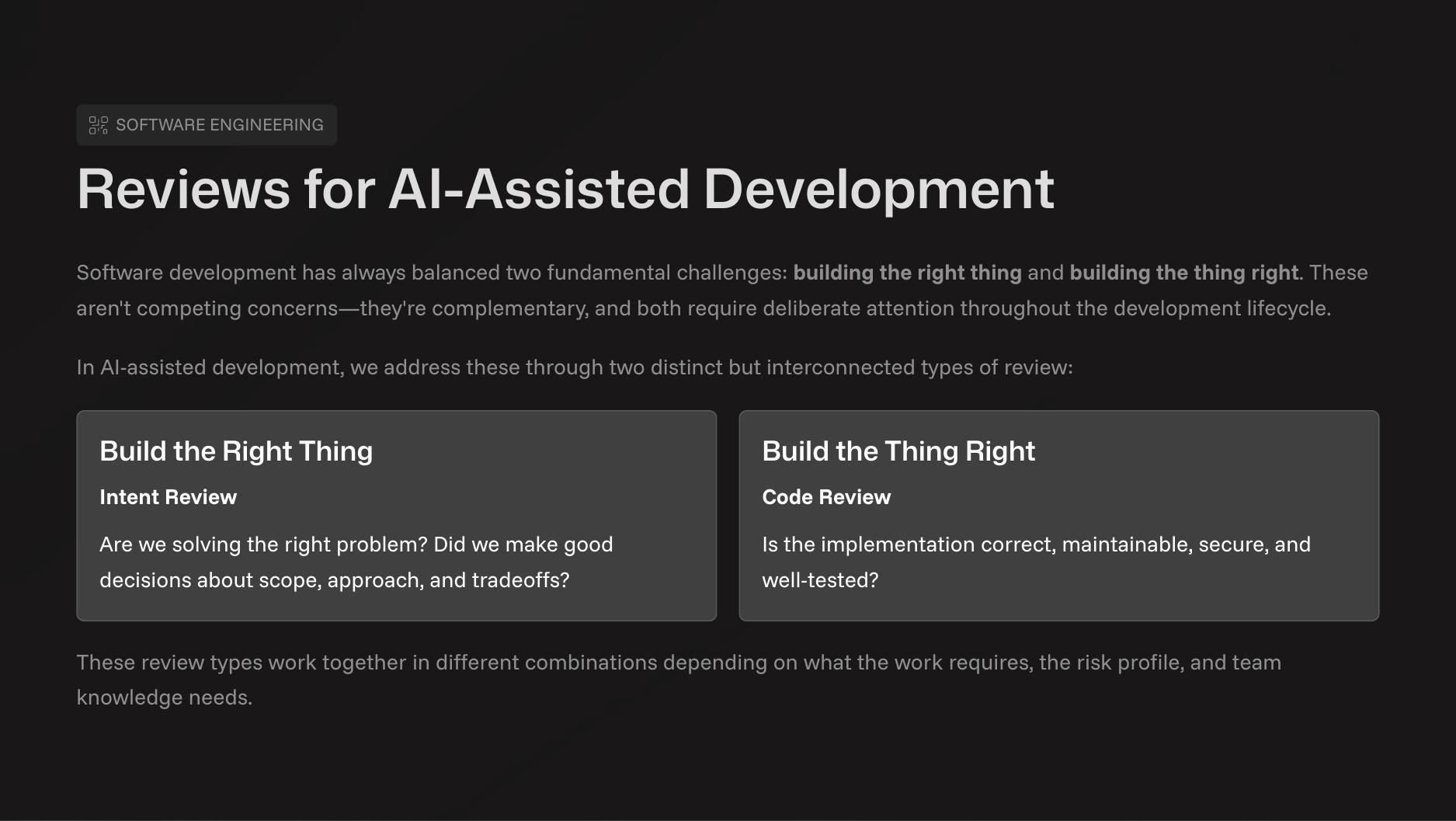
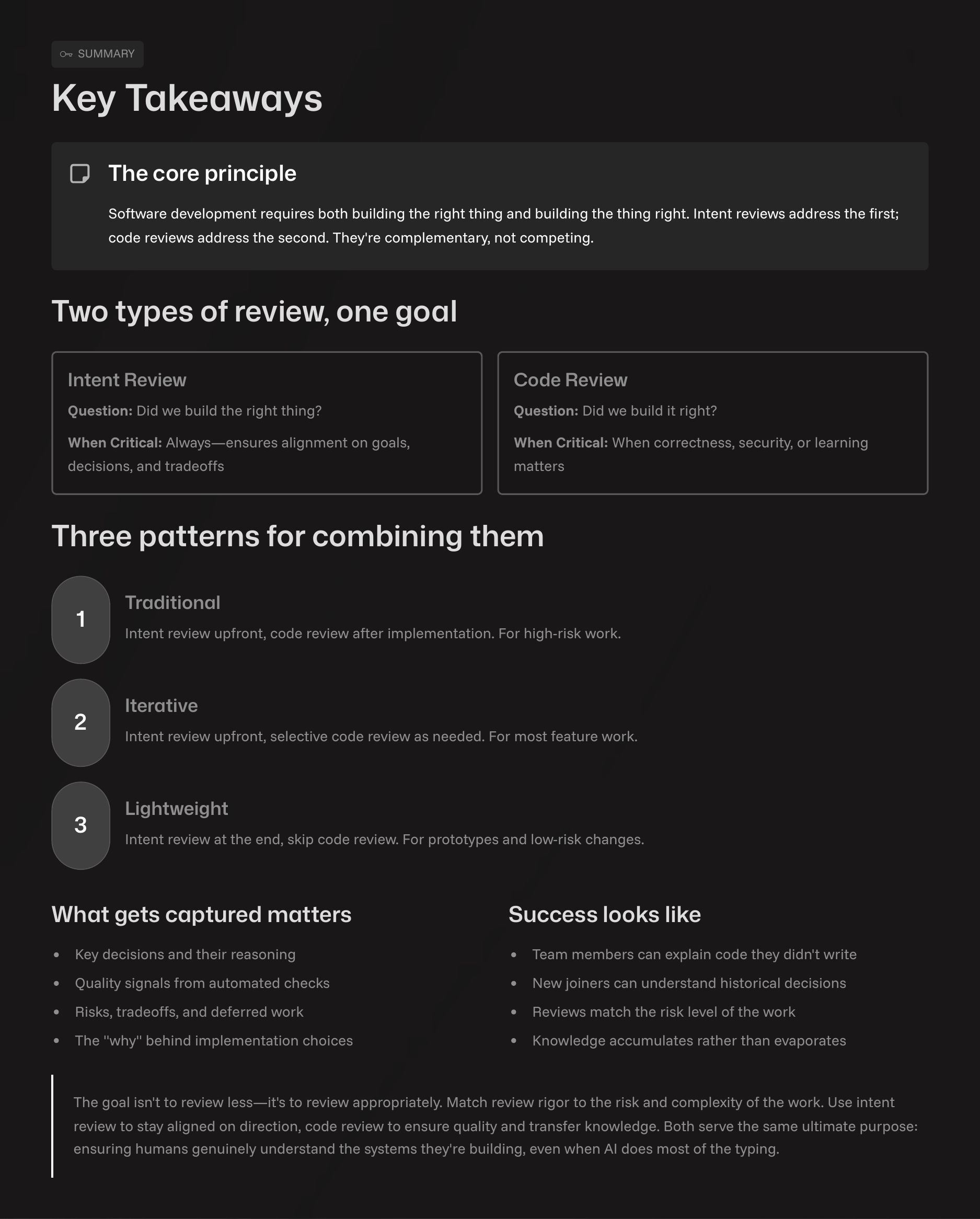
Software development balances two challenges: building the right thing and building the thing right. With AI-Assisted Coding, these are addressed through two review types.
Intent Review asks: Are we solving the right problem? It aligns the team on the what and why before anyone writes a line of code.
Code Review asks: Is the implementation correct, secure, and maintainable? This is about verifying the execution (the how).
The review type used depends on the task’s risk and complexity.
Three Workflows for AI Collaboration
SpecStory adapts its review process using three primary patterns.
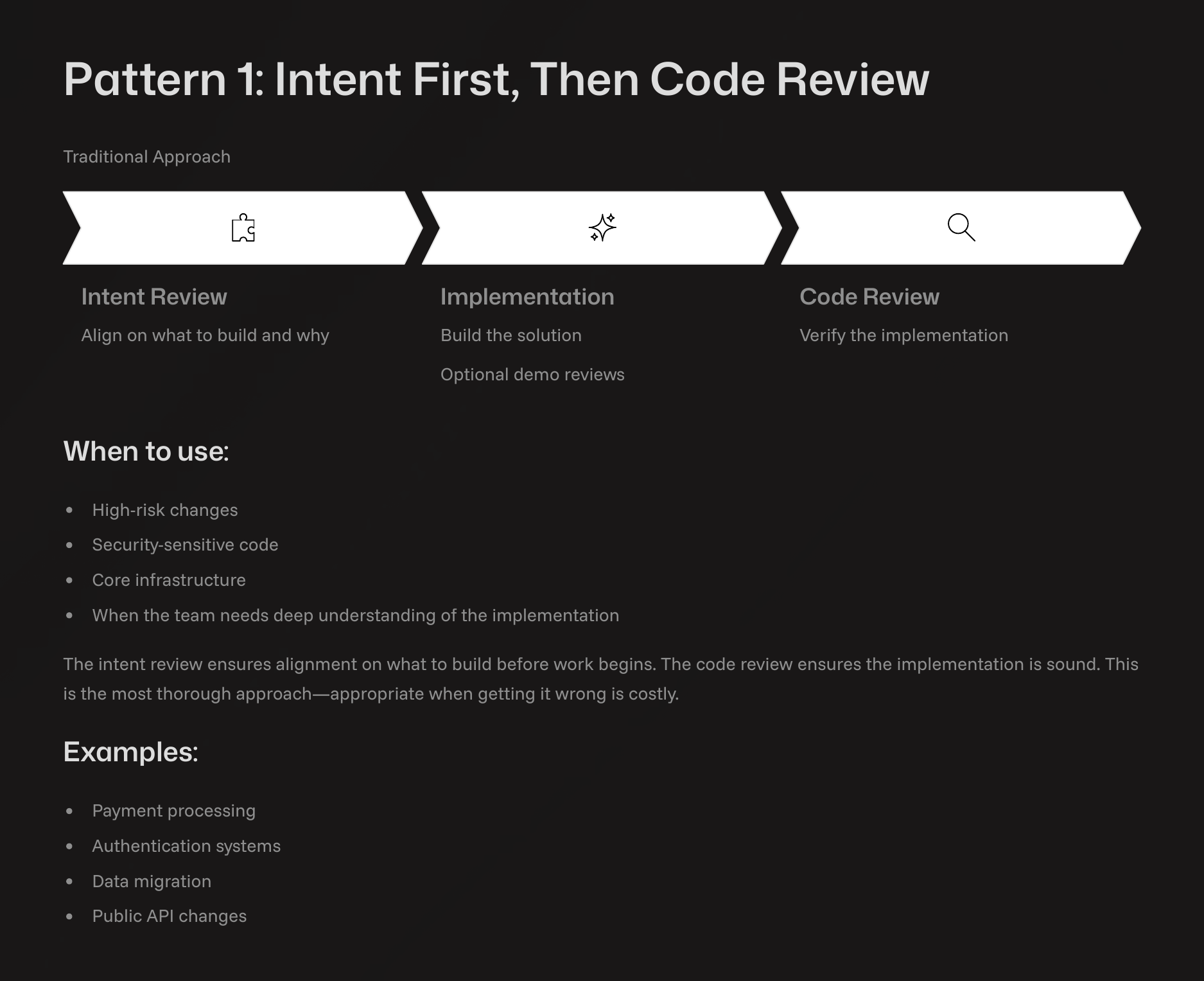
Pattern 1: Intent First, Then Code Review (Traditional)
Use this for your most critical systems. Don’t let the AI start until the team agrees on the plan. Once the code is written, check every line. It’s slow but safe.
Use this for security sensitive code or core infrastructure where mistakes are unaffordable or a shared understanding of the implementation is critical.
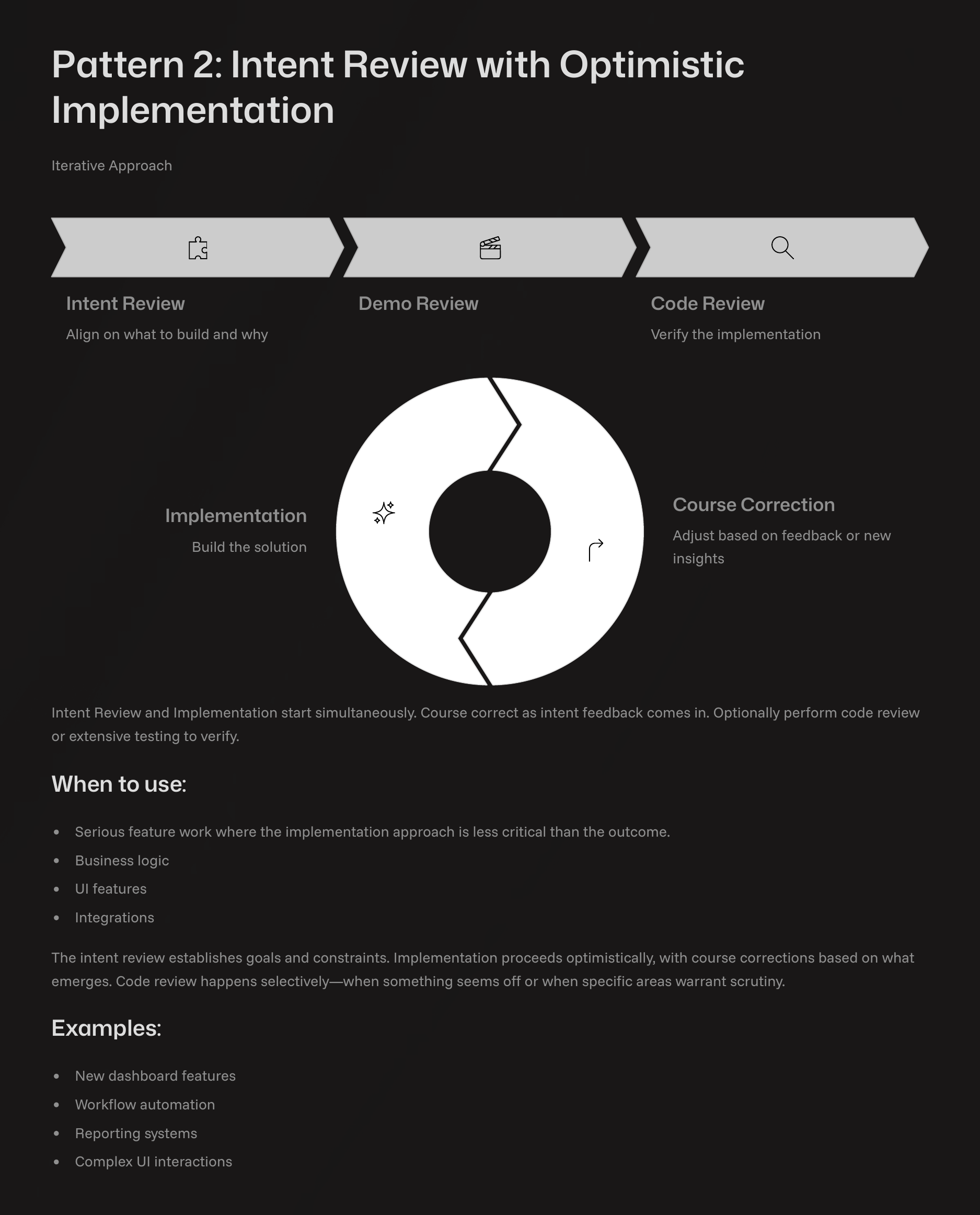
Pattern 2: Intent Review with Optimistic Implementation (Iterative)
This handles most (~70%) of the work. Write your plan and start the implementation immediately. If your team suggests a change mid-way, throw it away (code is cheap thanks to AI). Demos are shared along the way.
This pattern works well for business logic, major UI features, and work where the outcome is more critical than the implementation details.
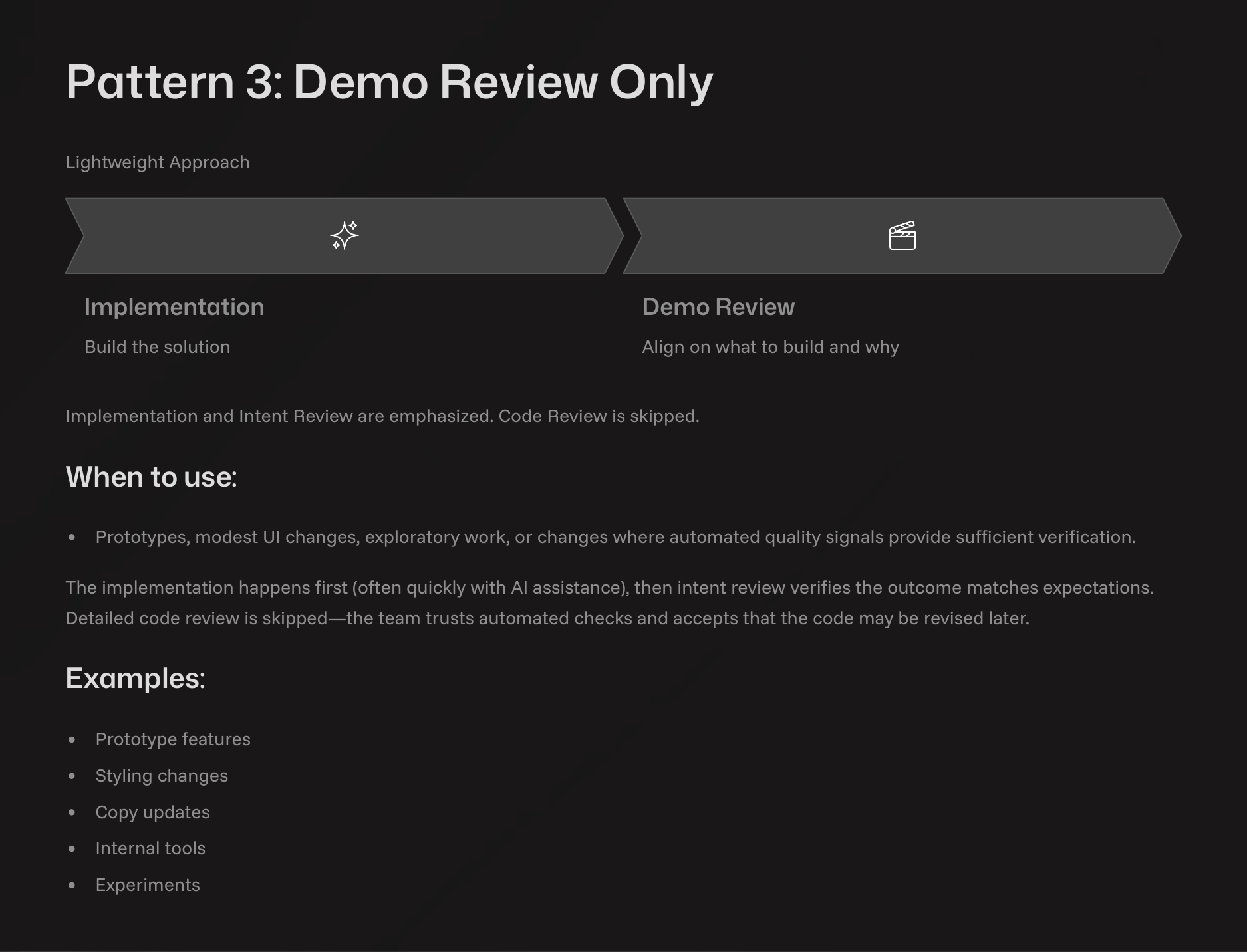
Pattern 3: Demo Review Only (Lightweight)
This pattern is for exploration and prototyping, so it skips formal reviews. A developer builds a quick prototype, often with a single prompt to an agent, and shares the demo with the team through a recording or live meeting. The goal is feedback on the concept, not production code. The output is a better understanding of the problem, which informs a design spec for a pattern 1 or pattern 2 implementation.
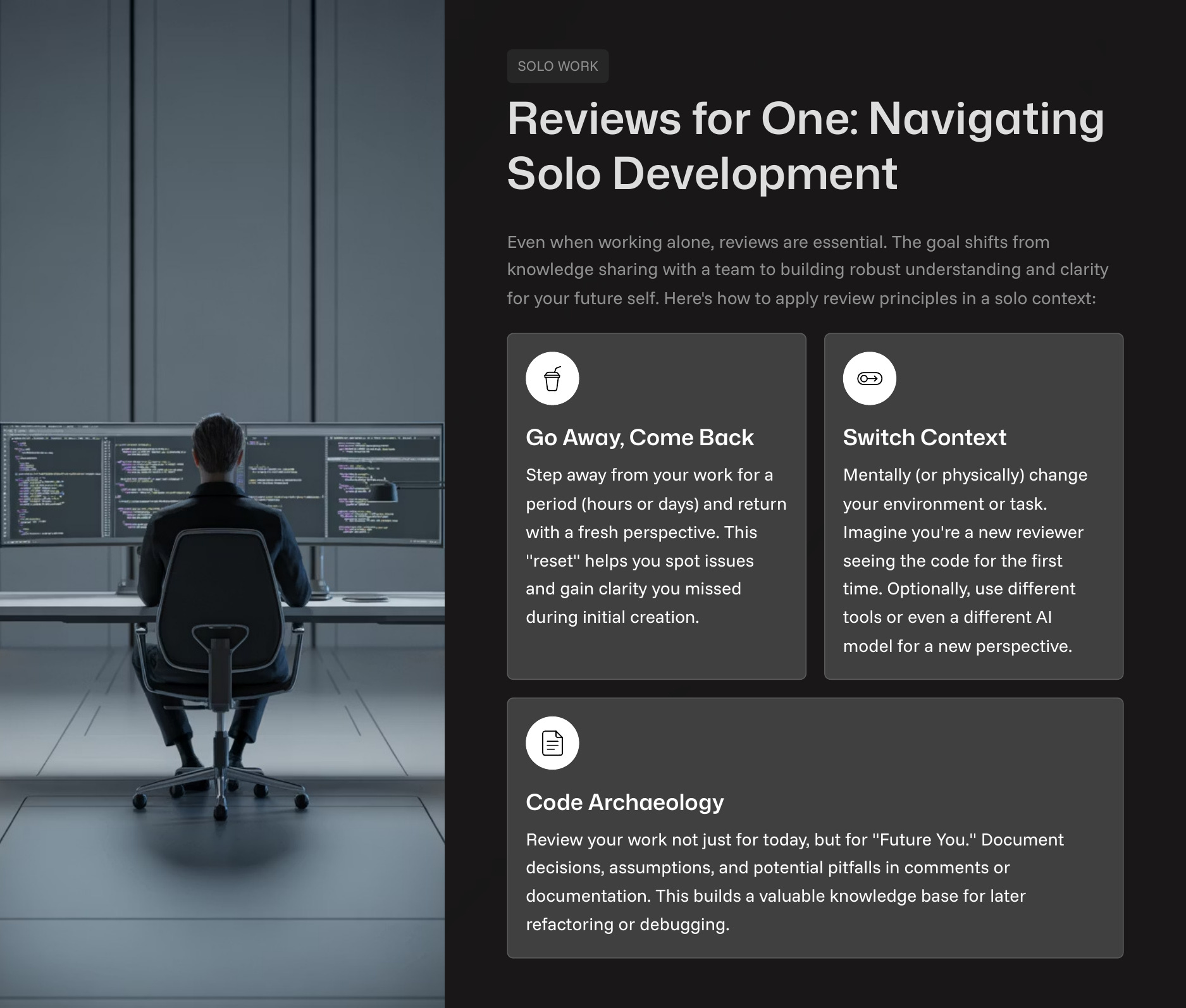
Self-Review for Solo Developers
Solo developers must review their own work with the same rigor as a teammate’s. Distance is the best tool for this.
Time-delayed review: Step away from the code for a few hours or a day to return with a fresh perspective.
AI-simulated review: Present your design or code to a new AI agent with a clean context. If it can’t understand the plan, your documentation is unclear.
Code archaeology: Intentionally revisit an old feature to review its original intent and implementation, which is useful when adding a related feature or fixing a bug.
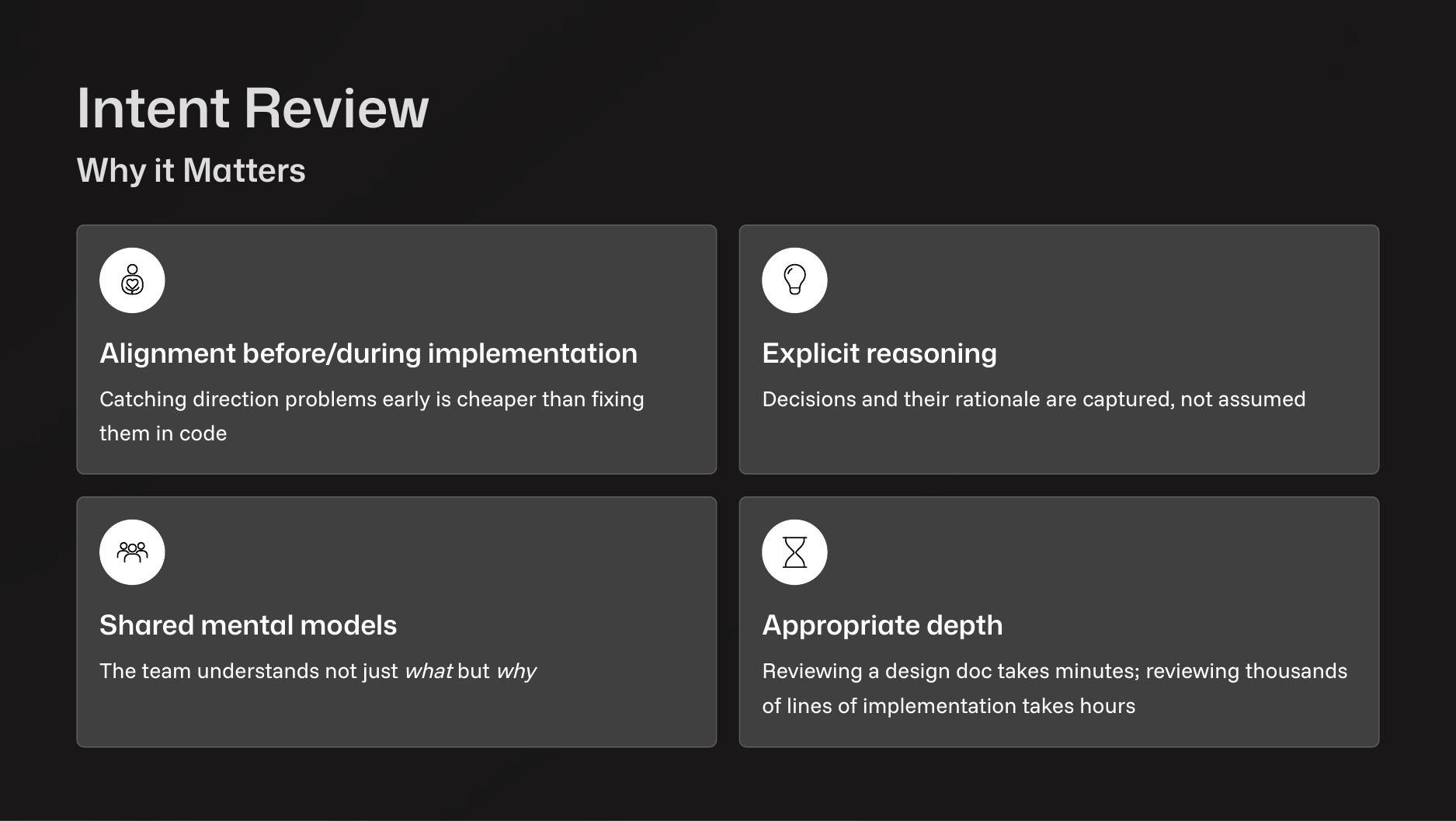
The Intent Review Process
The intent review is your most important task. Do not just skim the spec. An intent review typically centers on a design document.
Generate and Refine: Use an AI agent to generate a design document. Load it with context about your existing codebase and your goals. Then, read the document top to bottom. Iterate with the agent, asking it to clarify ambiguities or correct its own logic until the document accurately reflects your intent.
Remove Implementation Details: A good design document should focus on intent, not implementation. Code blocks in a spec can become a liability, as they can quickly fall out of sync with the actual codebase. It’s better to let a fresh agent generate code from a clean, implementation agnostic spec.
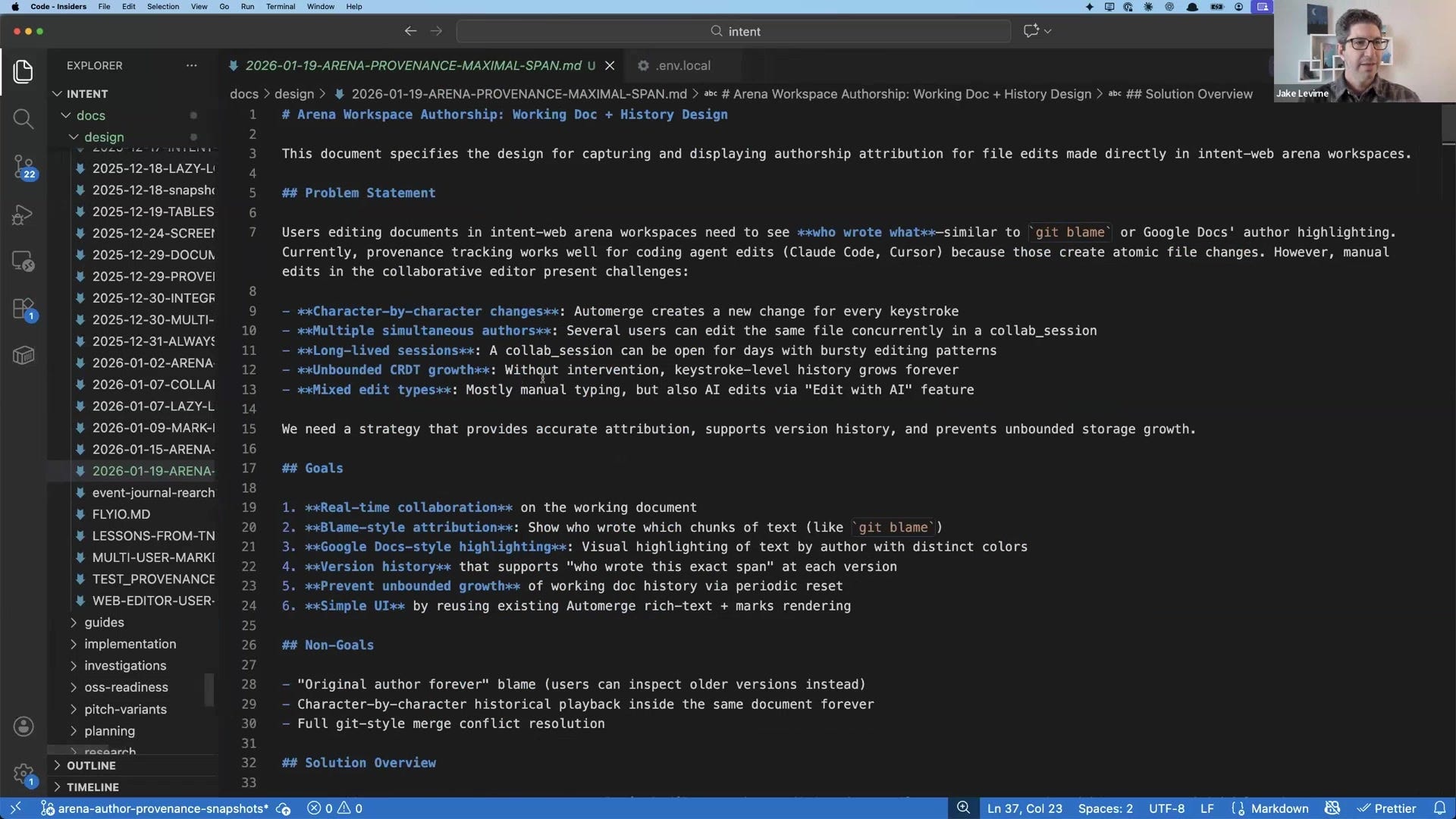
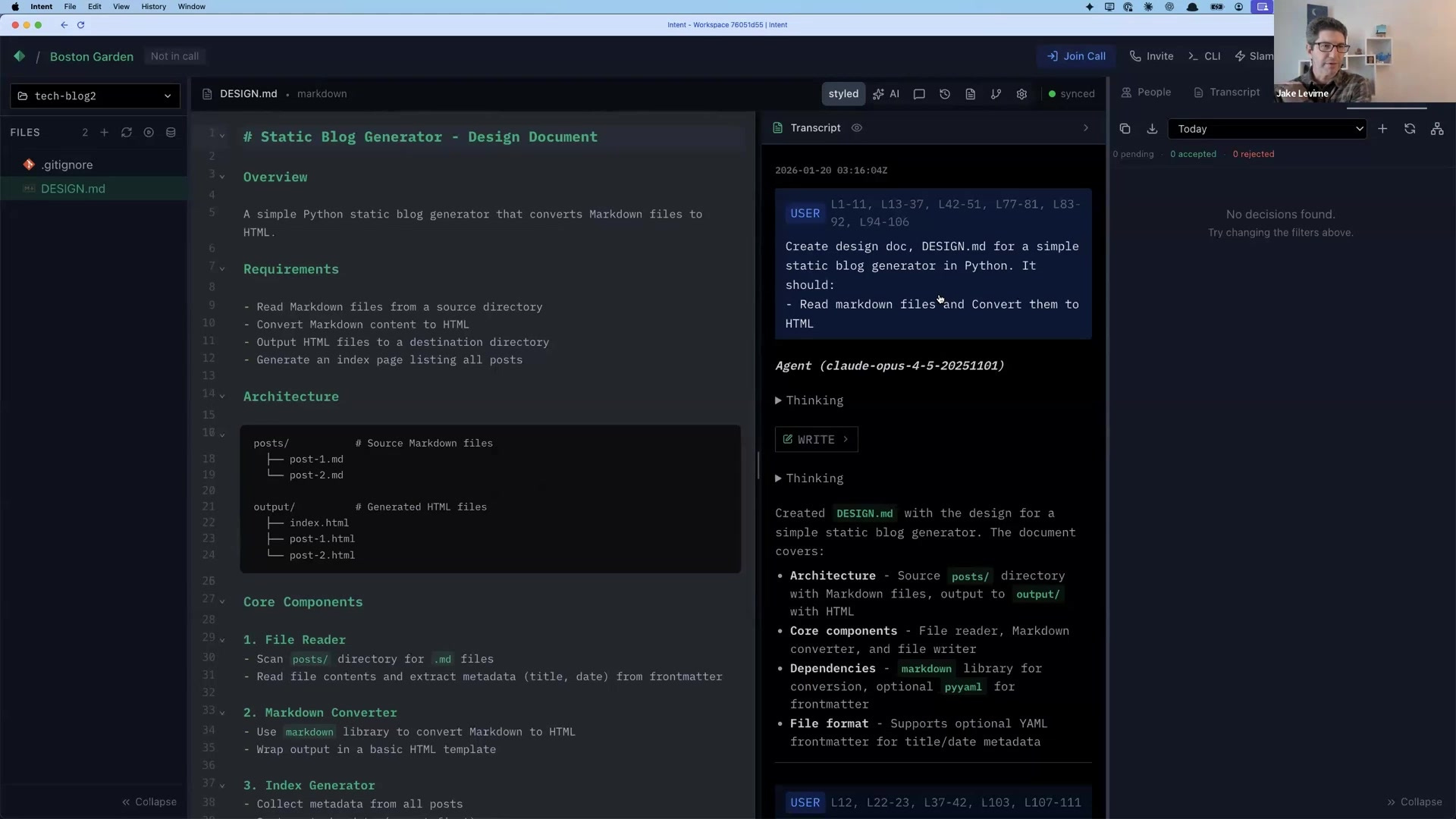
For one feature, Jake used five prompts to load context before asking the agent to write the design doc. He then used another six prompts to refine it, questioning its assumptions, and selecting the best approach out of seven options it proposed. This process requires deep thought and iteration.

Sharing Your Intent
State how much human effort a document represents. Labeling a draft as “AI-authored draft” or “AI-authored, heavily human-edited” indicates the scrutiny required. This prevents reviewers from wasting time on errors you haven’t corrected. Providing the AI chat history alongside the document shows which alternatives you explored and why you rejected them.
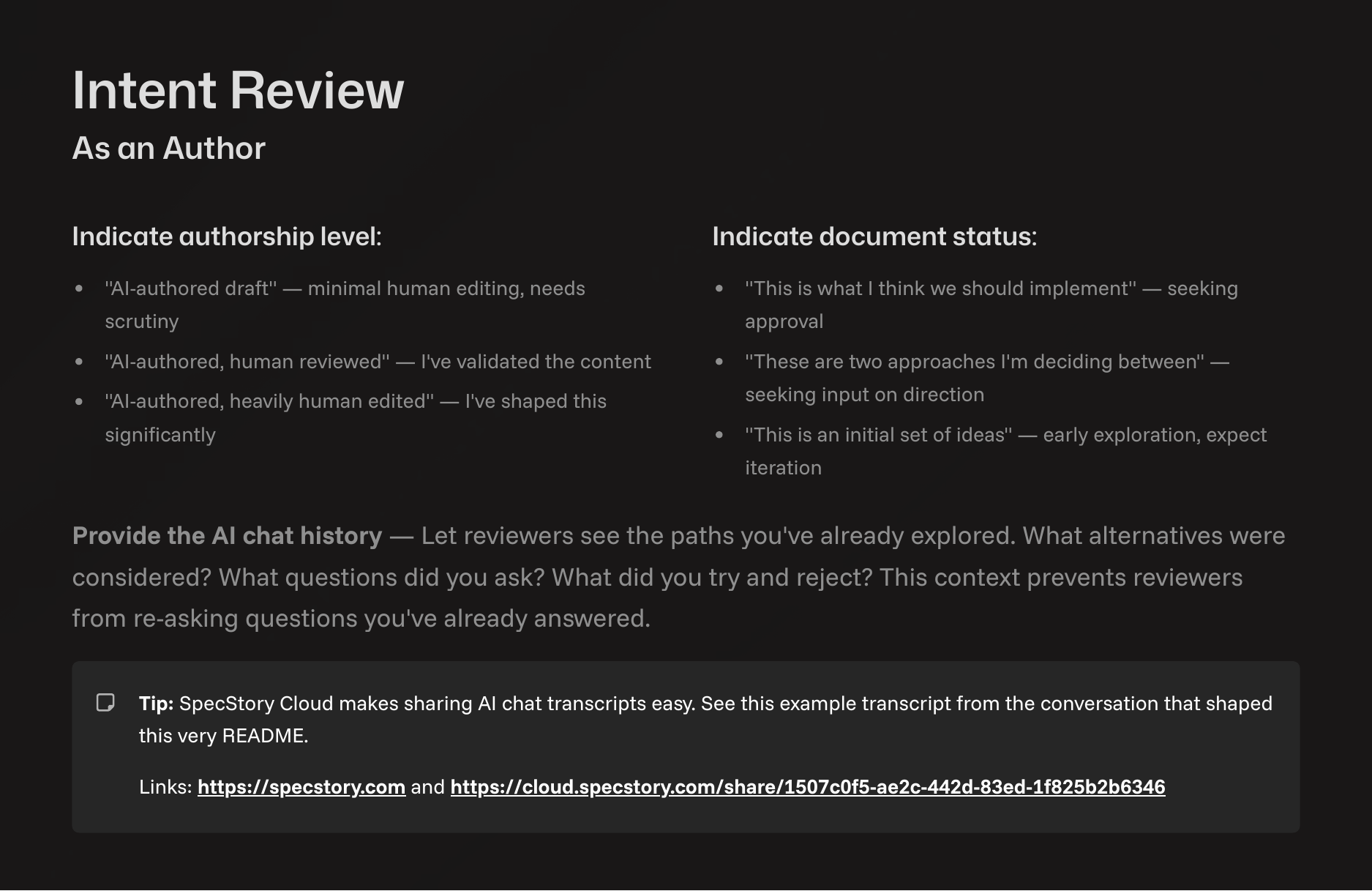
Tools like SpecStory’s Arena simplify this by presenting the final document side-by-side with the chat history that created it. This allows reviewers to click any part of the document and see the prompt/response pair responsible for it.
Demo and AI-Assisted Code Reviews
While intent review is primary, demo and code reviews have their place.
Demo Reviews
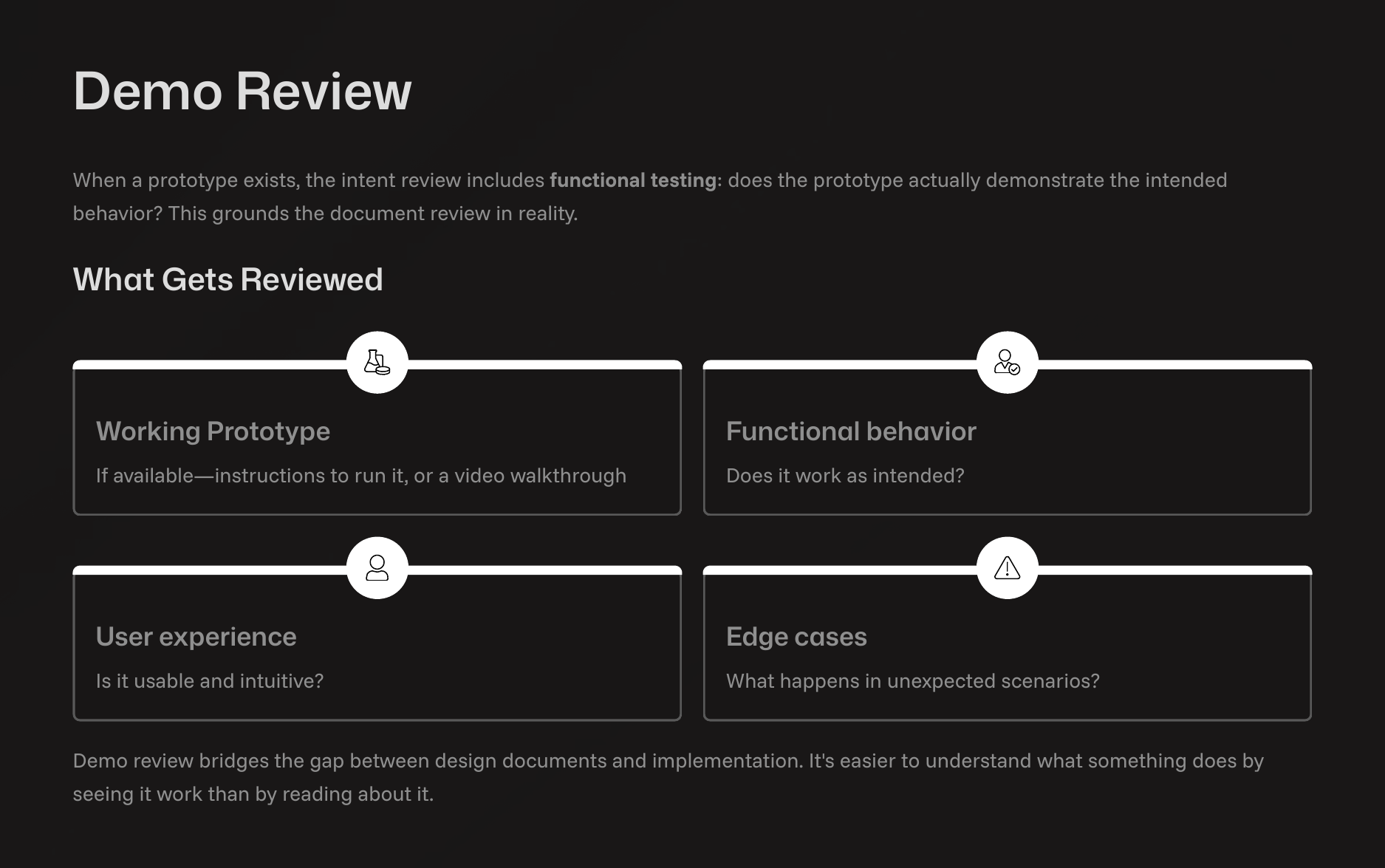
Instead of waiting for a formal “demo day,” share demos asynchronously as soon as a piece of functionality is ready. An interactive demo is better than screenshots or a recorded video. Share a branch and instructions so your team can run the prototype themselves, rather than just watching a video.
AI-Assisted Code Reviews
For changes warranting a code review, use AI to assist. Tools like Claude Code have built-in commands like /security-review that automatically scan for vulnerabilities like SQL injection or insecure data handling.
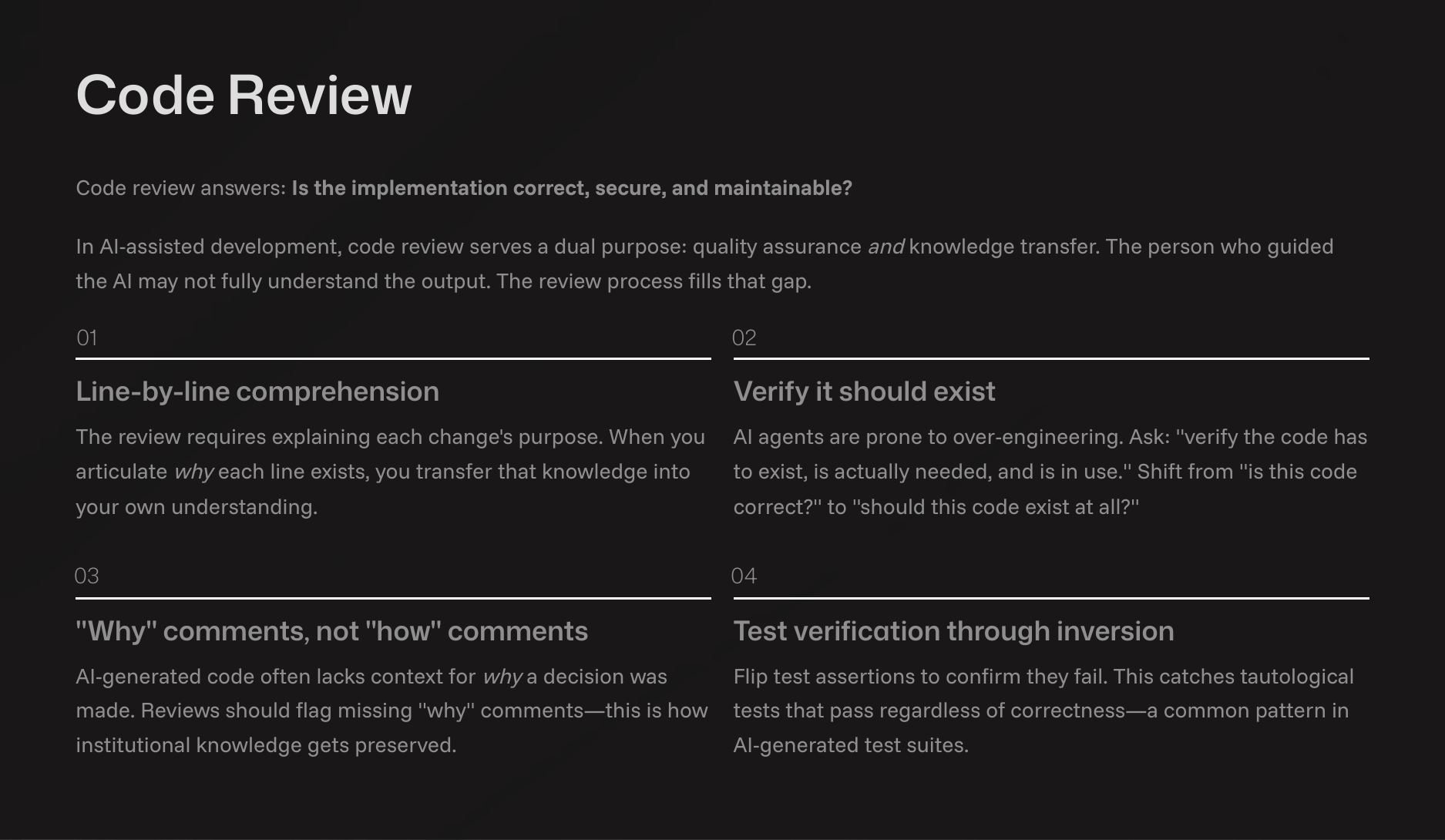
Custom Review Commands:* You can create your own review prompts. The templates in the spec-flow repository provide a starting point for creating slash commands that review pending changes or full pull requests. These commands can be customized to check for things beyond simple style, focusing on the why behind the code.
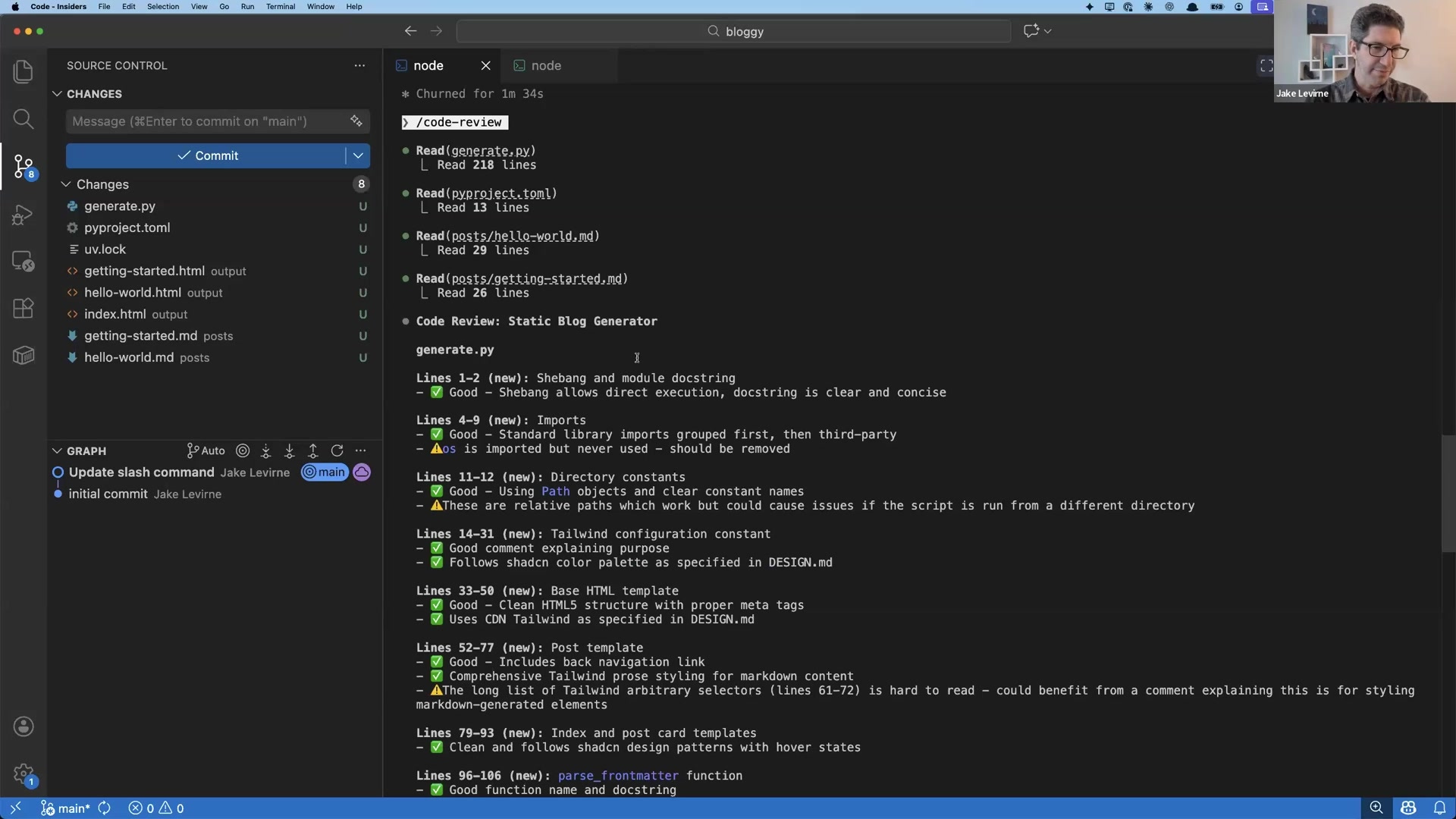
For example, after generating a static site generator, a /code-review command identified an unused os import and pointed out that using relative paths could cause issues if the script were moved.
Aggressive Linting: AI agents are good at respecting linters. Use this to your advantage by setting aggressive structural constraints. For example, you can configure your linter to error on files longer than 1000 lines or functions longer than 500 lines. This forces the agent to create more modular code without you needing to read every line.
file_length:
  warning: 900
  error: 1000
type_body_length:
  warning: 350
  error: 500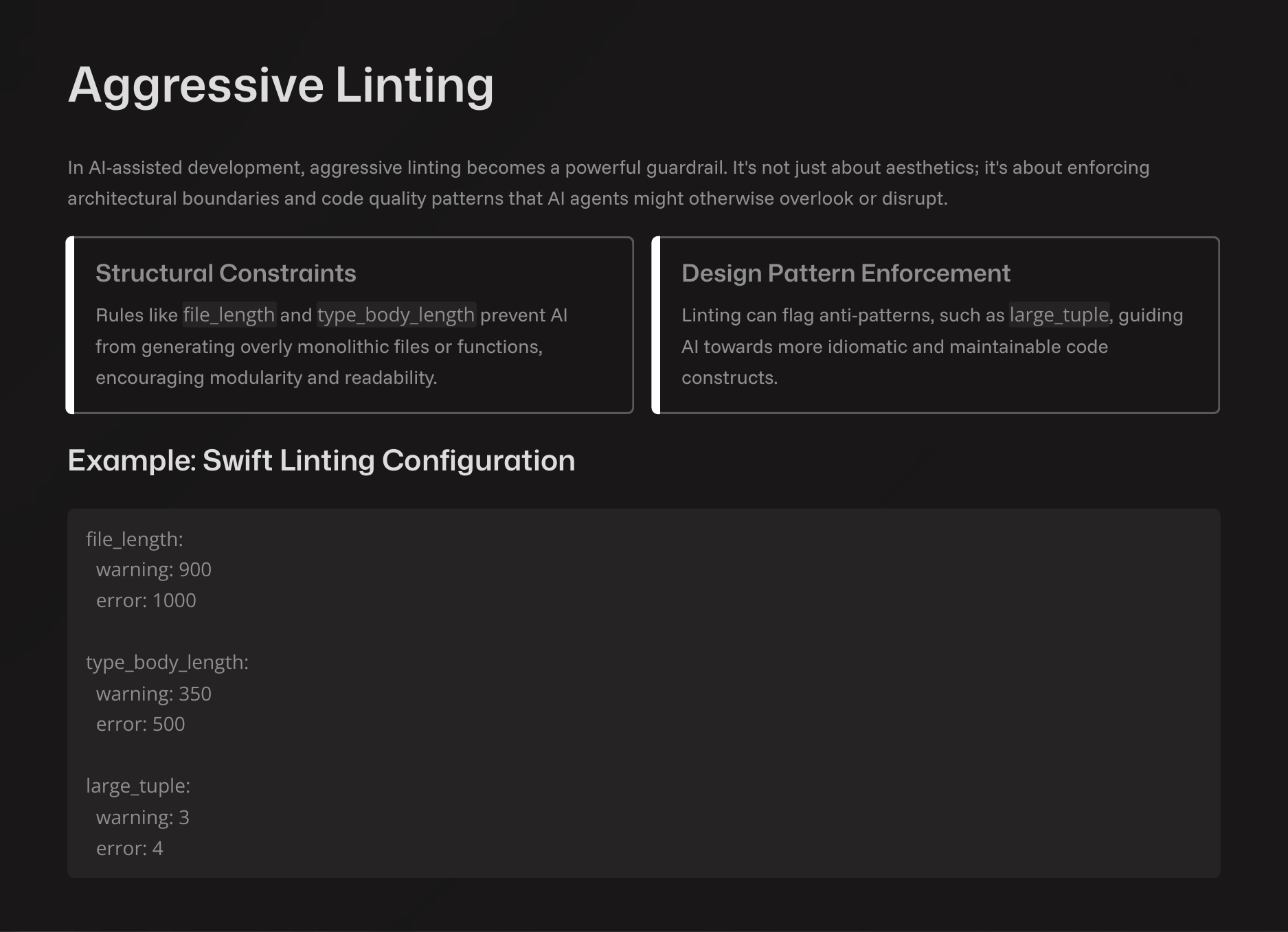
Conclusion
Working with AI requires new habits. Velocity without understanding creates knowledge debt, where no one can explain why the code exists or how it works.
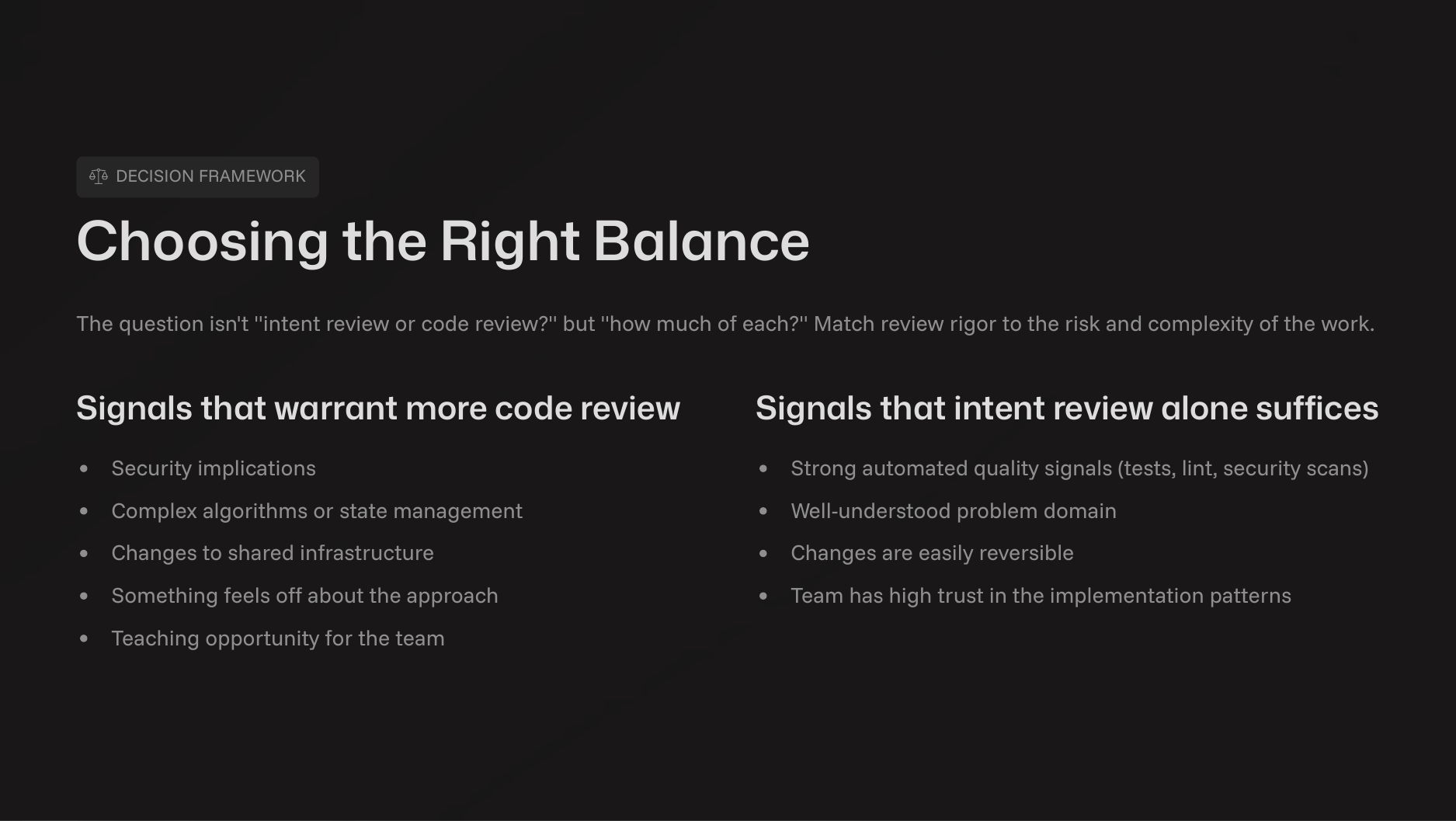
The goal is not to review less, but to review appropriately.
Match rigor to risk. Use lightweight reviews for prototypes and thorough, multi-gate reviews for critical infrastructure.
Prioritize intent. Most problems arise from a misunderstanding of requirements. A solid intent review is the most effective way to stay aligned.
Use AI to review AI. Leverage built-in security scanners, custom review commands, and aggressive linting to automate quality checks.
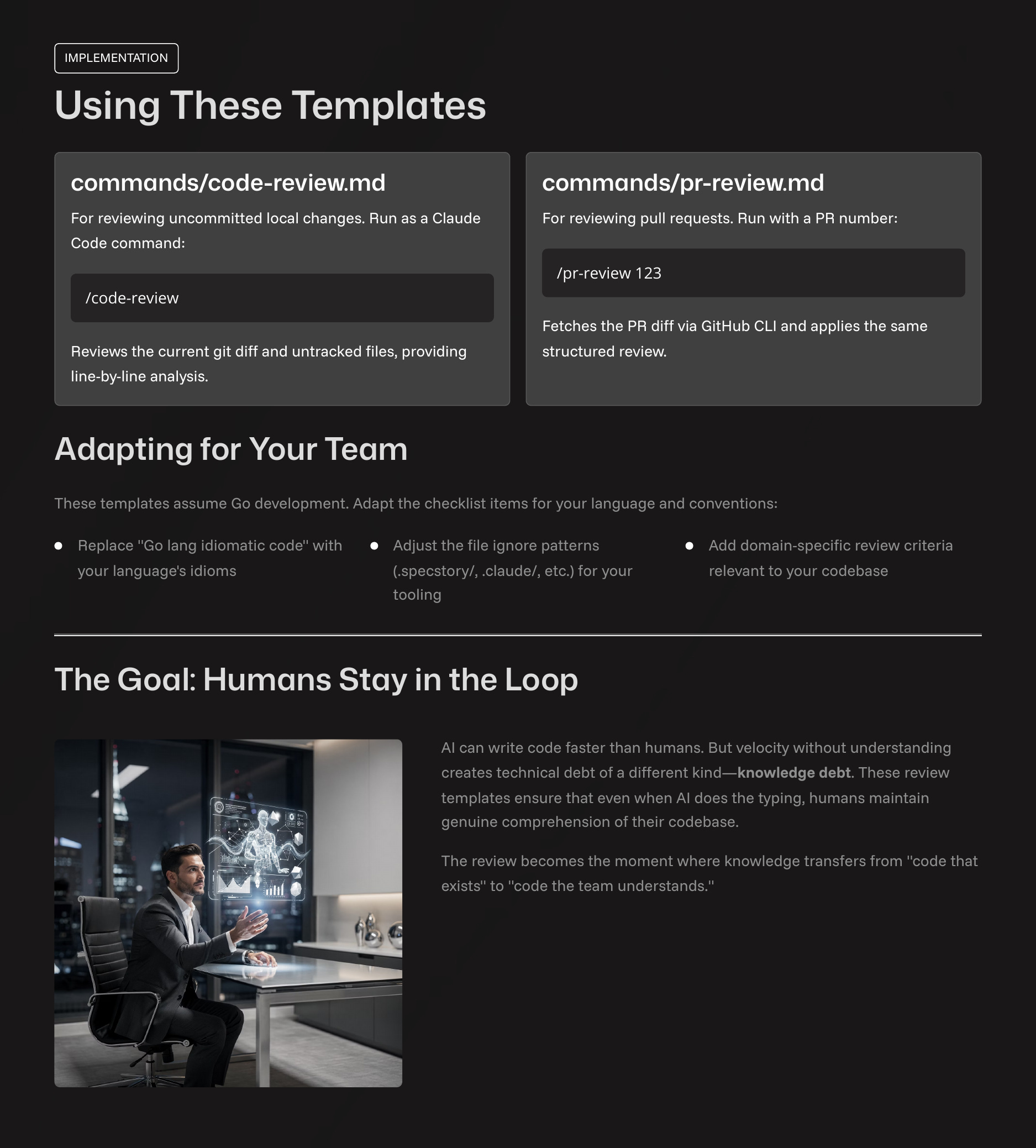
By adopting these workflows, teams can harness AI’s speed while ensuring the resulting systems are legible, maintainable, and understood by their human owners.
Spot on! The concept of "Intent Review" is exactly where the human-AI collaboration should focus. As AI accelerates implementation, the human role shifts towards ensuring the "why" and "what" are correct. This is very much in line with the "Kaizen" philosophy that Yusuke Tanaka, a member of our community, is applying to AI workflows—focusing on continuous, purposeful improvement rather than just raw speed. Great framework for keeping humans in the loop!
Couldn't agree more. 'Keeping humans in control' is absolutely crucial.