

An outtake from Sunday School: Drop In, Vibe On.
In this session, Eleanor Berger explored a different facet of agentic AI. While previous sessions often focused on pure coding tasks — building backends, CLIs, or agents themselves — this talk centered on using agents to facilitate creative work: specifically, the creation of presentation slides.
The motivation came from a practical need. Eleanor had been preparing materials for the Elite AI Assisted Coding course and found herself dissatisfied with her initial slide designs.
“I was not so happy with the quality of slides I had for a first instance... I realized this is an opportunity to do something better.”
The result was sunday-slides, an agent skill that manages the process of presentation creation — from content generation and layout to illustration and export. This workflow demonstrates how interactions with AI can move beyond simple question-and-answer exchanges to multi-step processes involving various tools and sub-agents.
The Architecture of the Skill
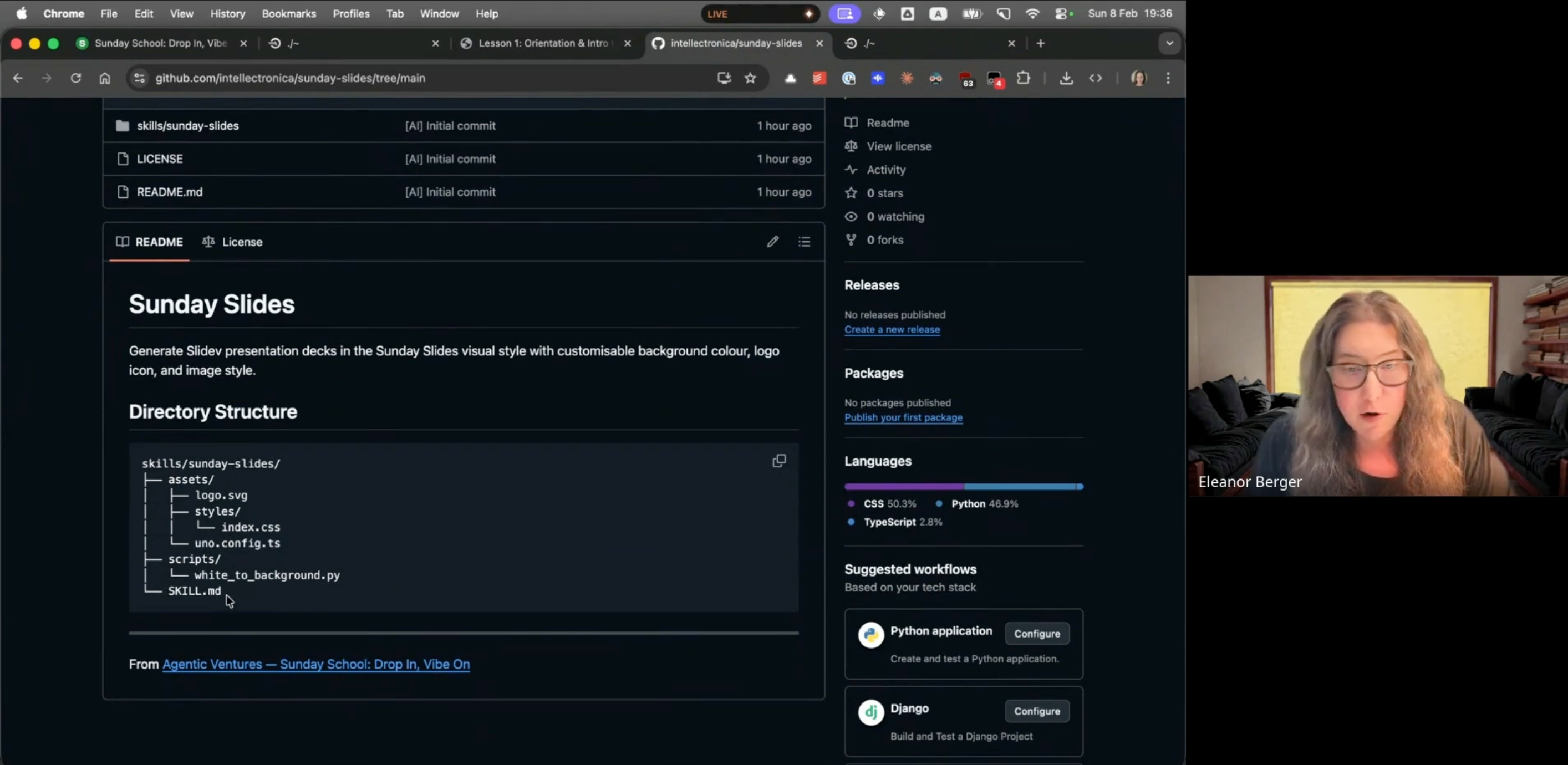
The sunday-slides skill includes several components:
SKILL.md: The core instruction file describing the workflow.Assets: A bundled logo (customizable) and styling resources.
Scripts: Python code for specialized image processing.
Configuration: CSS and TypeScript files for the slide framework.
Interactive Configuration
One of the first things the skill does is establish the constraints for the specific presentation being generated. The skill uses the “Ask User Questions” tool to ask the user about their preferences.
“It wants to use the user question tool. That’s the thing that shows you a UI for answering different multiple choice questions for these parameters and that’s very convenient.”
This step determines several visual parameters:
Background Color: Setting the tone for the deck.
Image Style: Determining whether illustrations should be photorealistic, vector art, or — as chosen in the demo — retro pixel art.
Logo: confirming whether to use the default branding or a custom asset.
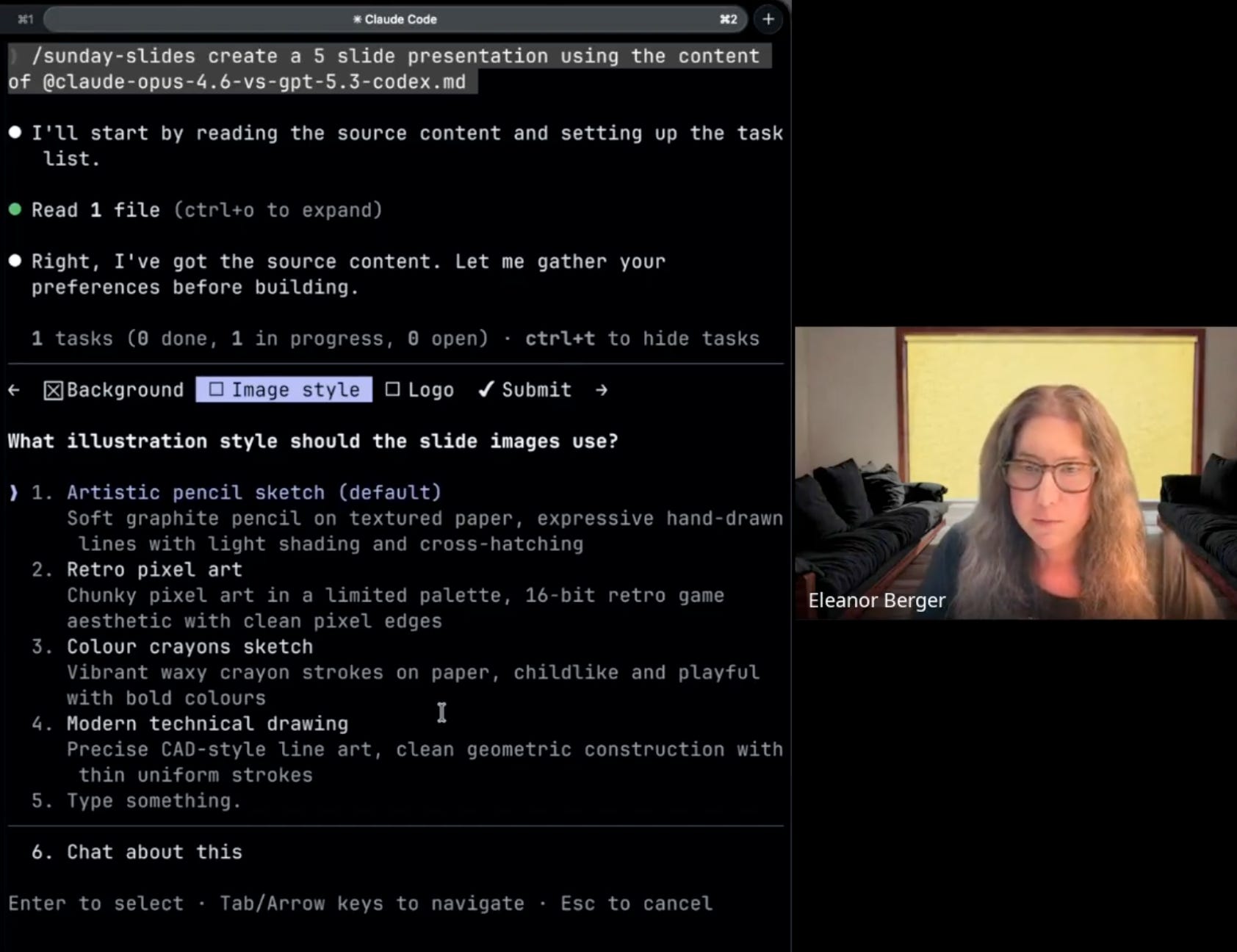
These responses are stored as variables to maintain consistency throughout the generation process.
Leveraging Sli.dev
Rather than trying to reinvent presentation software, the skill leverages Sli.dev (Slidev), a powerful tool for developers that generates slides from Markdown.
This demonstrates “skill composition.” She didn’t write the Slidev integration from scratch. Instead, she installed an existing Slidev skill, reviewed it for safety, and then built her new workflow on top of it.
“This in itself comes with a skill. So I installed their skill which is really very high quality... it helped me agentically create my own skill relying on it.”
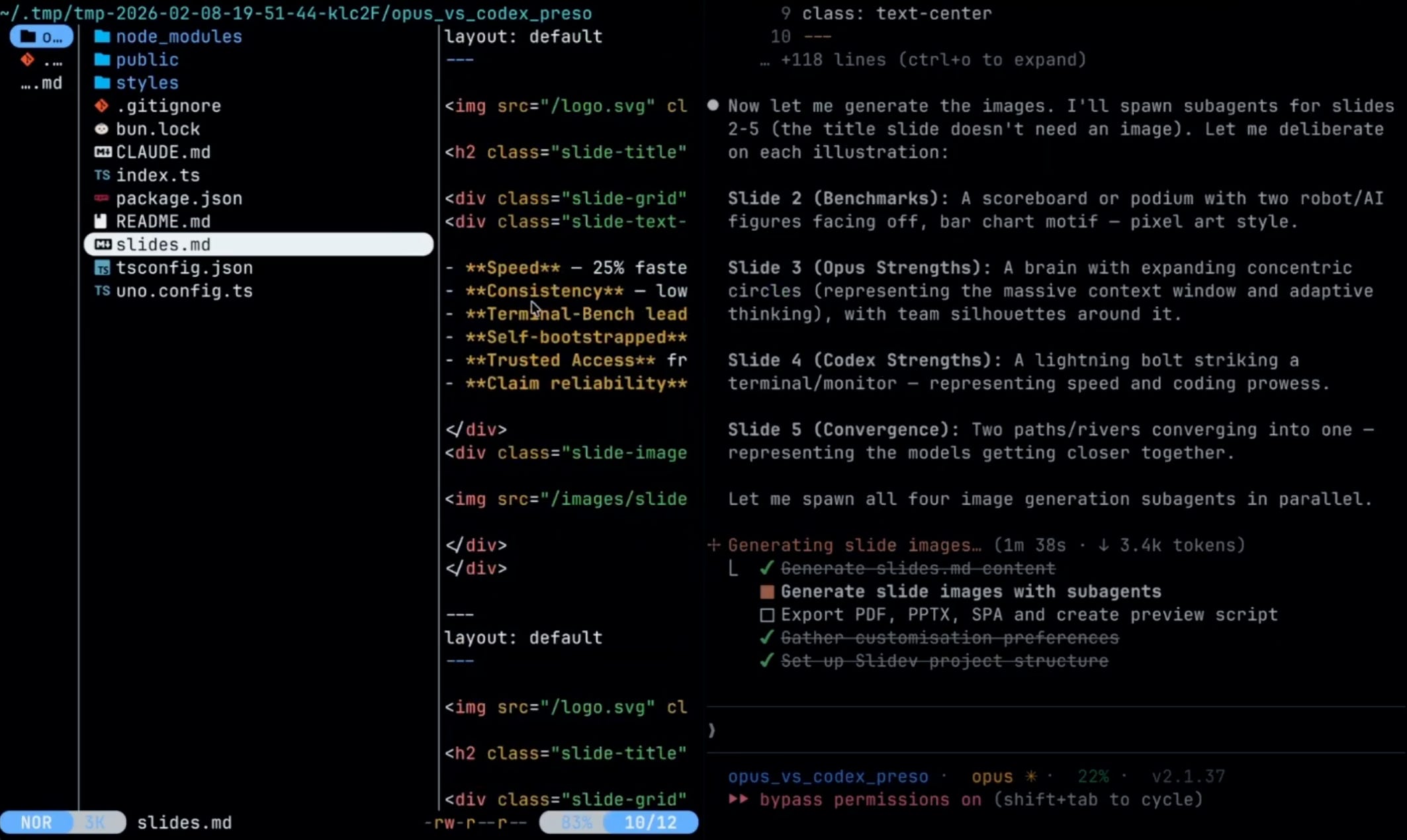
The sunday-slides workflow instructs the agent to:
Initialize a new Slidev project.
Install necessary dependencies.
Configure themes and styles using bundled CSS/TS files.
Generate the content in Slidev’s specific Markdown format.
This approach allows the agent to focus on content and orchestration, while using a specialized tool for rendering and formatting.
Parallelism with Sub-Agents
The workflow generates images in parallel. A presentation might need 10, 20, or 30 distinct illustrations. Generating these sequentially would take significant time.
Eleanor’s solution leverages the sub-agent capability found in modern AI tools like Claude Code, OpenCode, and GitHub Copilot.
“If I can do all of these images in parallel there’s nothing stopping me. Then they don’t have to be serialized.”
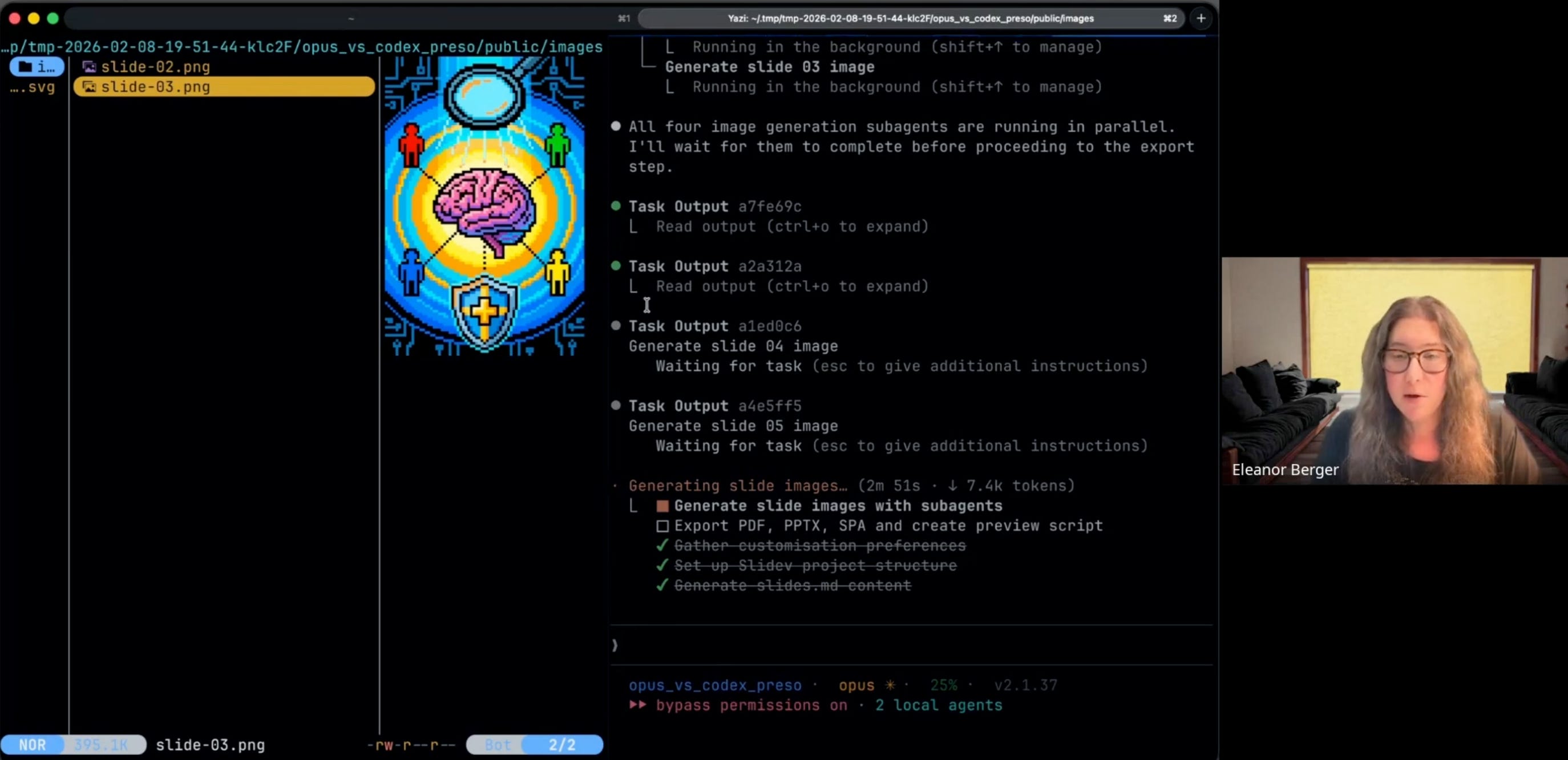
For each slide requiring an illustration, the main agent spawns a sub-agent. These sub-agents run concurrently, reducing the total time required to build the deck. This pattern — fanning out work to independent workers — is a standard pattern in agentic workflows.
The “Reflective” Prompting Pattern
Inside each of these sub-agents, the instruction set for generating the image prompt follows a “reflection” pattern:
Deliberate: Read the slide content and identify core concepts.
Brainstorm: Come up with several distinct visual approaches.
Reflect & Select: Evaluate the options and pick the best one.
Construct: Finally, write the prompt for the image generator.
“This is a pattern that you’ll see a lot in agentic workflows and often produces better results... it means more iterations, more tokens, that’s the price you pay for getting a better result.”
By forcing the model to “think before it acts,” the quality of the resulting visual metaphors is often higher than a zero-shot attempt.
Solving the Background Problem
A common challenge with AI image generation is consistency, particularly with backgrounds. Even when given specific color codes, models like Nano Banana often produce slight variations that look messy when placed on a slide deck.
“Even if you give them the exact color code... every time you get something a bit different.”
Eleanor’s workaround was simple. Instead of trying to match the slide’s background color, she instructed the agent to:
Generate all images on a pure white background.
Use a specialized Python script to programmatically replace the white pixels with transparency.
Overlay the transparent image onto the slide’s CSS background.
The skill includes this Python script — written by an agent — which uses the pillow library to handle the processing. This ensures that every illustration sits perfectly on the slide, regardless of the background color chosen by the user.
The Live Demo
Eleanor ran the skill live against a fresh topic: “Claude Opus 4.6 vs GPT-5.3-codex”.
She initiated the workflow, and the agent presented the configuration questions. Eleanor selected a Retro Pixel Art style.
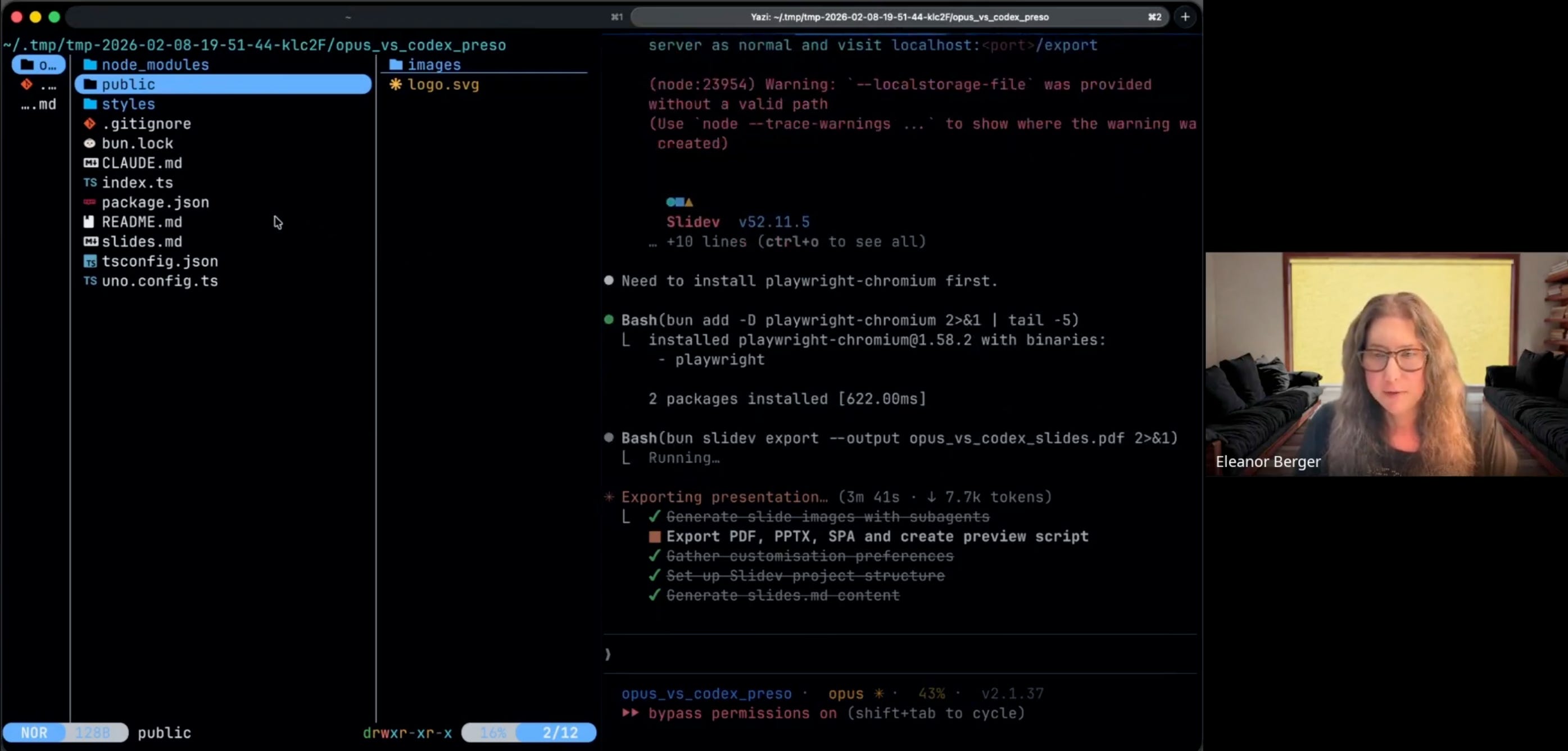
The terminal output showed the orchestration unfolding:
Project Setup: The Slidev directory structure appeared.
Content Generation: Markdown files for the slides were written.
Image Fan-Out: Multiple progress bars appeared as sub-agents launched in parallel to generate pixel art for each slide.
“It’s running in parallel which saves some time. This is what I really like about sub agents... being able to fan out a parallel task to multiple agents is something I find very very useful.”
Within moments, the process was complete. The agent ran the build command, and a PDF was exported.
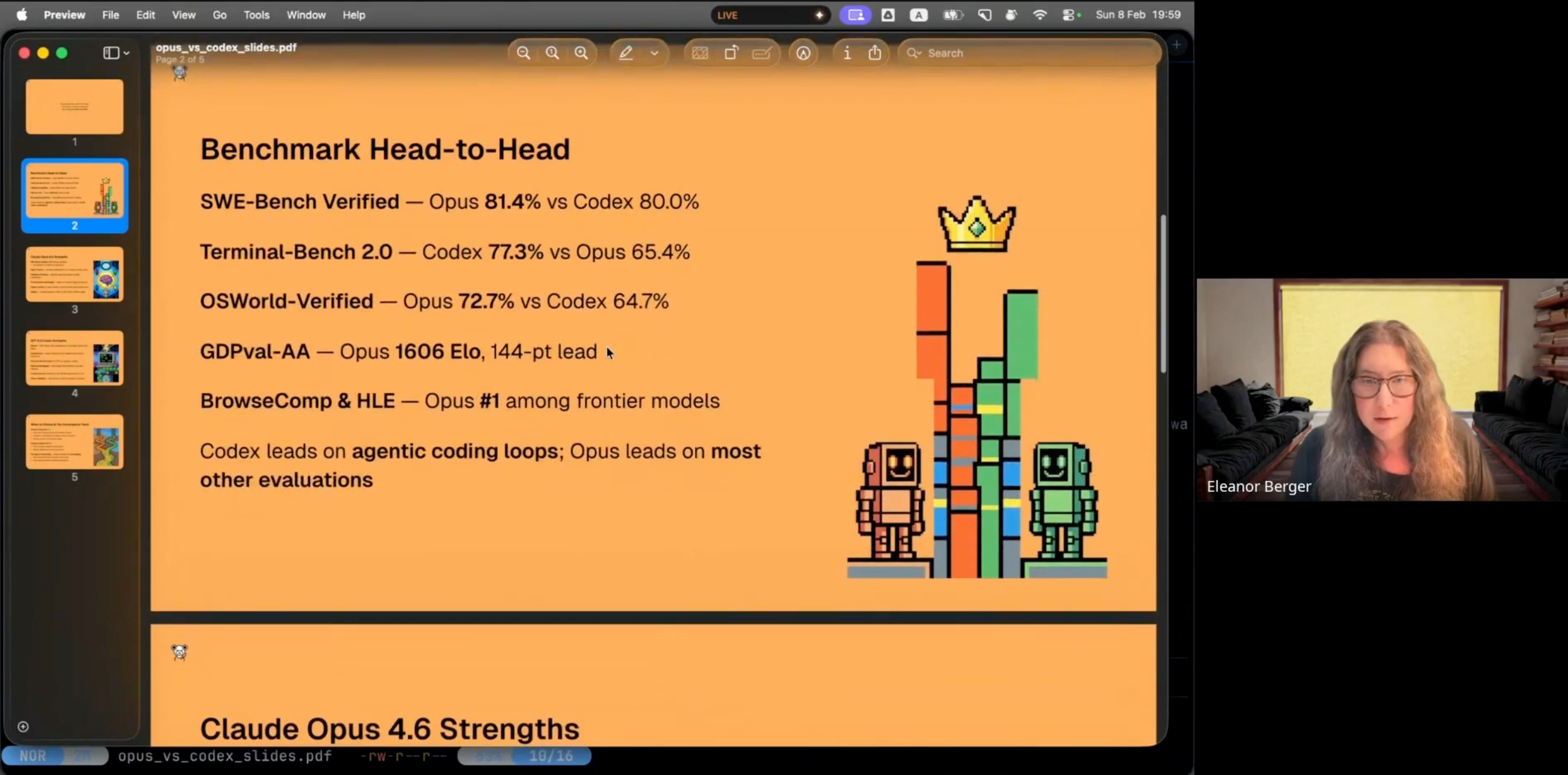
The result was a coherent presentation. The pixel art illustrations matched the retro theme, and the background removal script allowed them to integrate with the slide design.
Key Takeaways
The sunday-slides project illustrates several concepts for AI-native engineers:
Iteration is Key: Eleanor didn’t write this complex skill in one pass. It took about 2-3 hours of iterative work with an agent — trying instructions, seeing where they failed, adding constraints, and refining the workflow.
Composition Over Creation: The skill was built on other existing skills. The Nano Banana Pro skill for image generation and the Slidev skill for presentation building. Integrating existing tools is far more efficient than building from scratch.
Parallelism: For batch tasks like asset generation, the ability to spawn sub-agents helps improve performance.
Asset Processing: Sometimes the best way to solve a “prompting” problem (like background consistency) is with a deterministic script. Agents can write and run code to fix the output of other models.
“To me that’s a wonderful thing that I can do it and I think it’s in a nice demonstration of how you can use skills to build these complex workflows.”
Mastering Agent Skills is a hands-on workshop for AI power users. Join the next session this Sunday to learn how to build your own skills.
